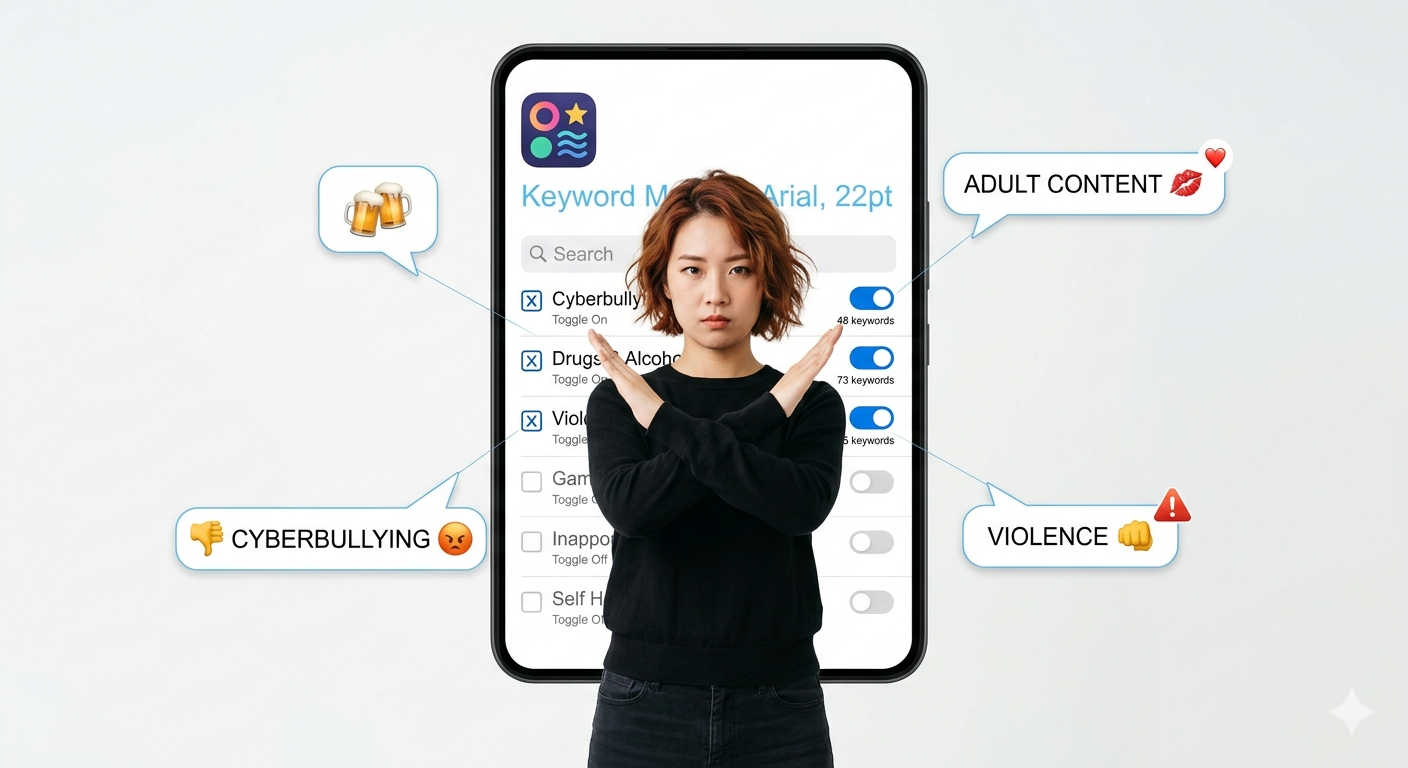
How to Remove Sexual Content on Instagram
Why You Should Care About Sexual or Sensitive Content
Sometimes, while scrolling Instagram, you might come across sexual content, explicit posts, or other sensitive material that you don’t want to see. Knowing how to remove sexual content on Instagram or report it helps you keep your account safe and your feed clean.
What Counts as Sexual or Sensitive Content
- Sexual content: nudity, adult photos, videos, or messages.
- Sensitive content: violence, harassment, or anything offensive.
Instagram doesn’t allow these posts, and you can report them.
How to Report Sexual or Sensitive Content
Here’s how to report sexual content on Instagram:
- Open the post or story.
- Tap the three dots (...) in the corner.
- Select Report.
- Choose why you’re reporting: sexual content, violence, or harassment.
- Follow the steps and submit.
Instagram will check it and remove anything that breaks their rules.
Adjust Your Privacy Settings
- Make your account private so only people you approve can see your posts.
- Use Sensitive Content Control in settings to filter posts in Explore.
- Block or restrict accounts that share inappropriate stuff.
Use Parental Controls (if needed)
- If you have kids using Instagram, tools like Instagram Kids or Google Family Link can help block sexual or sensitive content.
How to Remove Sexual Content from Your Own Posts or Stories
- Delete any post or story that might be sexual or sensitive.
- Always double-check before posting to avoid sharing anything inappropriate by mistake.
Tips to Stay Safe on Instagram
- Don’t open messages from strangers.
- Keep your Instagram app updated for the latest safety features.
- Avoid clicking on suspicious links asking for personal info.