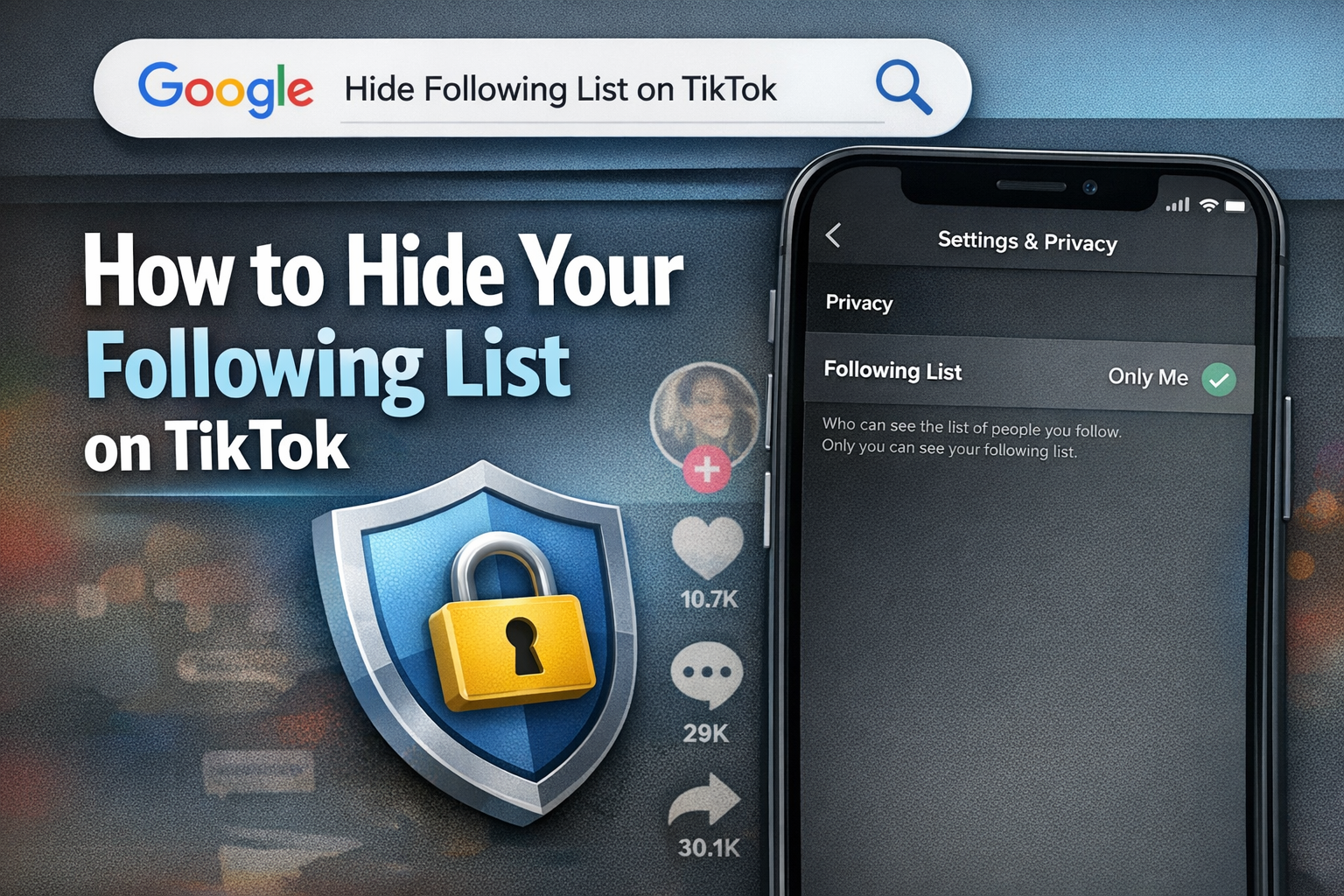
How to Hide Your Following List on TikTok (2026 Easy Guide)
Many TikTok users want privacy on their accounts. One of the most common questions is: "Can I hide the people I follow on TikTok?" The good news is, yes! TikTok allows you to hide your following list, so other users cannot see who you are following. In this guide, we will show you step-by-step how to do it and give some extra tips to keep your account private.
Why Hide Your Following List on TikTok?
There are many reasons why people want to hide their following list:
- Privacy: Some users do not want others to know who they follow.
- Avoid judgment: People may check your following list and form opinions about you.
- Clean profile: A hidden following list makes your profile look tidy.
- Control: You decide who sees your activity on TikTok.
Hiding your following list is one of the easiest ways to improve your TikTok privacy without affecting your content or engagement.
Step 1: Hide Your Following List
Here’s how to hide your following list on TikTok:
- Open the TikTok app.
- Go to your profile.
- Tap the menu (three lines) in the top-right corner.
- Go to Settings and Privacy.
- Tap Privacy.
- Find Following list and select Only me.
Now, your following list is private. Only you can see it. Other users will not know who you follow.
Step 2: Make Your Account Private
For extra privacy, you can make your TikTok account private:
- Go to Settings and Privacy.
- Tap Privacy.
- Turn on Private Account.
With a private account, only approved followers can see your content. This also adds another layer of protection for your following list.
Step 3: Remove Unwanted Followers
If you want more control, you can remove followers you don’t trust:
- Go to your followers list.
- Tap the user you want to remove.
- Tap Remove.
Removing followers ensures that only people you trust can see your content and following activity.
Extra Privacy Tips
- Limit comments and messages from strangers in the Privacy settings.
- Avoid linking your TikTok account to other social media.
- Be careful when following public accounts if you want complete privacy.
Conclusion
Hiding your following list on TikTok is simple and effective. By following the steps above, you can protect your privacy, control who sees your activity, and make your profile look cleaner.
Even though TikTok does not allow you to hide your followers count, hiding your following list and using a private account are the best ways to increase privacy in 2026.
Remember: Google values content that is helpful, clear, and complete, so articles like this one can rank higher if they fully answer what users are searching for.