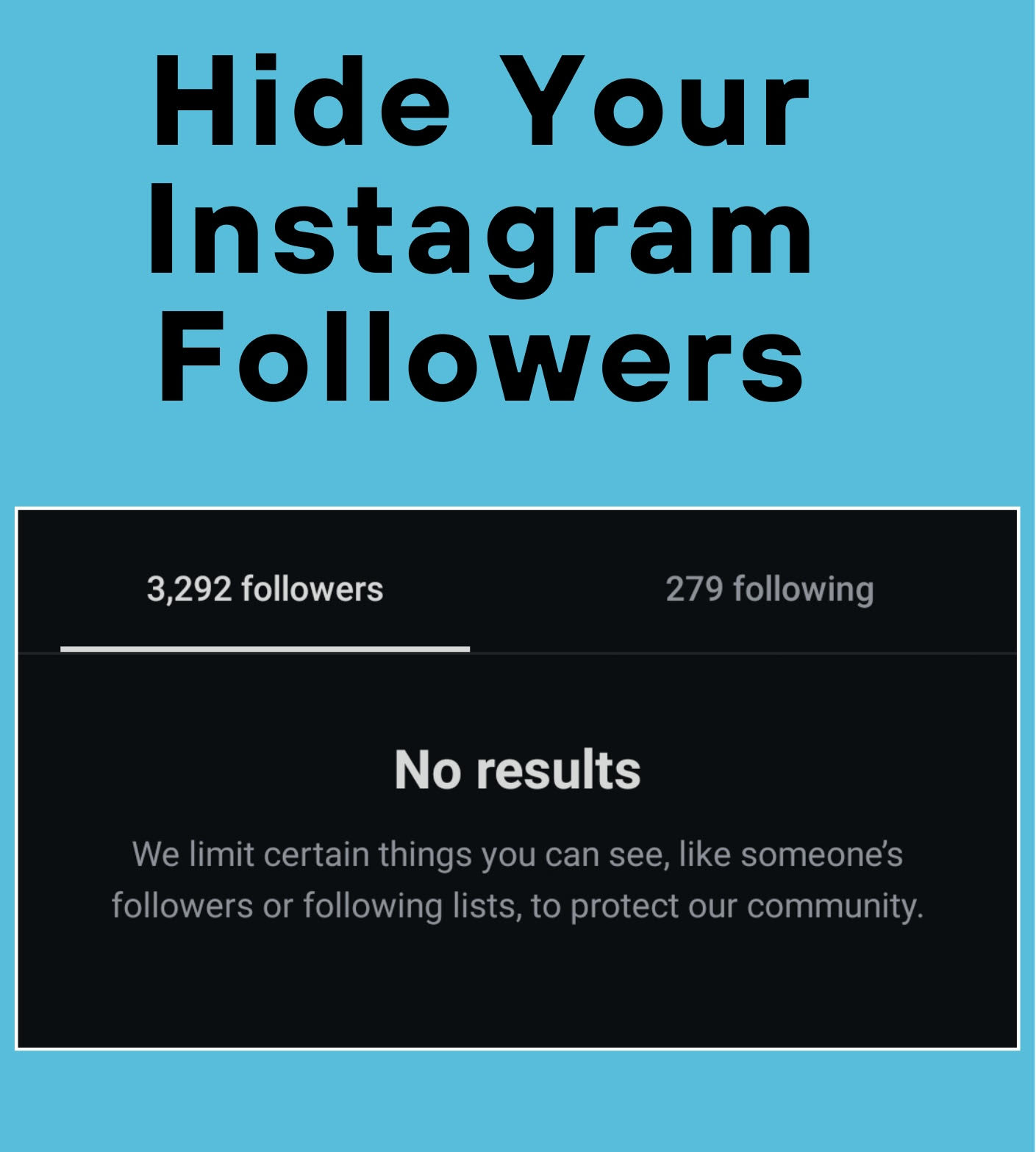
Easily Hide Your Instagram Followers list
Recently, a smart method inside Instagram has become popular that lets you request to hide your followers (or following) directly from the app, without making your account private. This method uses a built-in feature called Shake to Report.
What is Shake to Report?
It’s a feature in Instagram that allows you to quickly report a problem just by shaking your phone. A window pops up where you can send a note or request to the support team.
Step-by-Step Guide
- Open the Instagram app
- Go to your profile
- Open your Followers or Following list
- Shake your phone while inside the list
- A window will appear → choose Something Isn’t Working
- In the message box, write:
My account is personal and I do not want anyone to see my following list, so please hide it. Thank you.
- Tap Submit
What Happens Next?
Once your request is sent, it gets registered in Instagram’s support system, where it will be reviewed as part of privacy and user experience improvements. Over the following days, your followers or following list may be adjusted in visibility.
Tips to Make It Work
- Make sure you are inside the followers or following list when you shake your phone
- Keep the message exactly in English
- Avoid changing the text too much
- Don’t submit the request multiple times in the same day
Summary
The Shake to Report feature is a practical way to request privacy adjustments in Instagram, like hiding your followers list, without switching your account to private. Just follow the steps carefully and send the request from the right place in the app.